top of page


Exercise 1-12
Adobe exercise 1-12
Exercise 1
Practice 1
Girl


Exercise 1
3 Characters
Exercise 2

Practice 2
Brush Girl
Exercise 2
2 Characters


Exercise 3
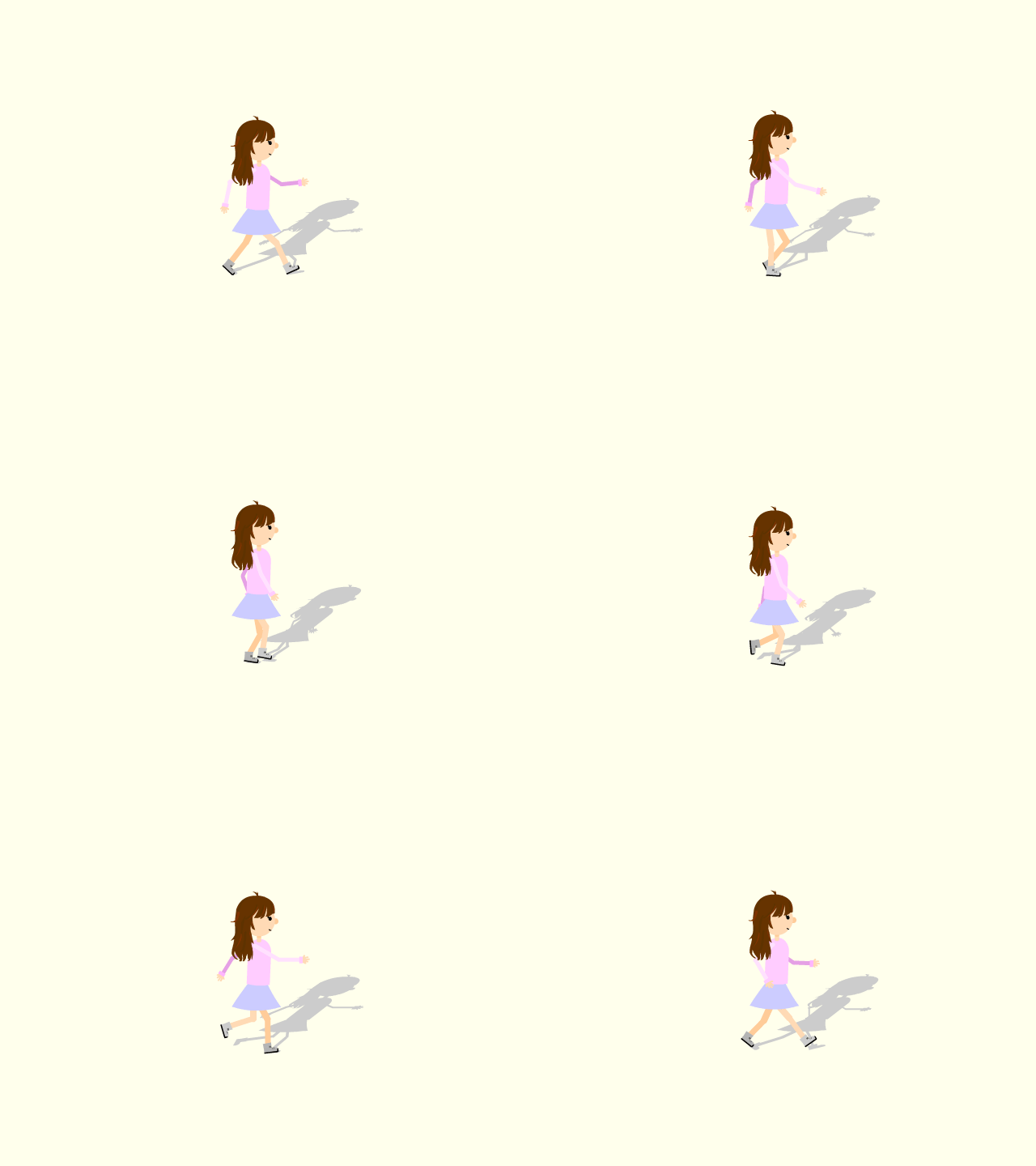
Exercise 3
Walk Cycle + Shadow
Exercise 4
Exercise 4
Types of Symbols
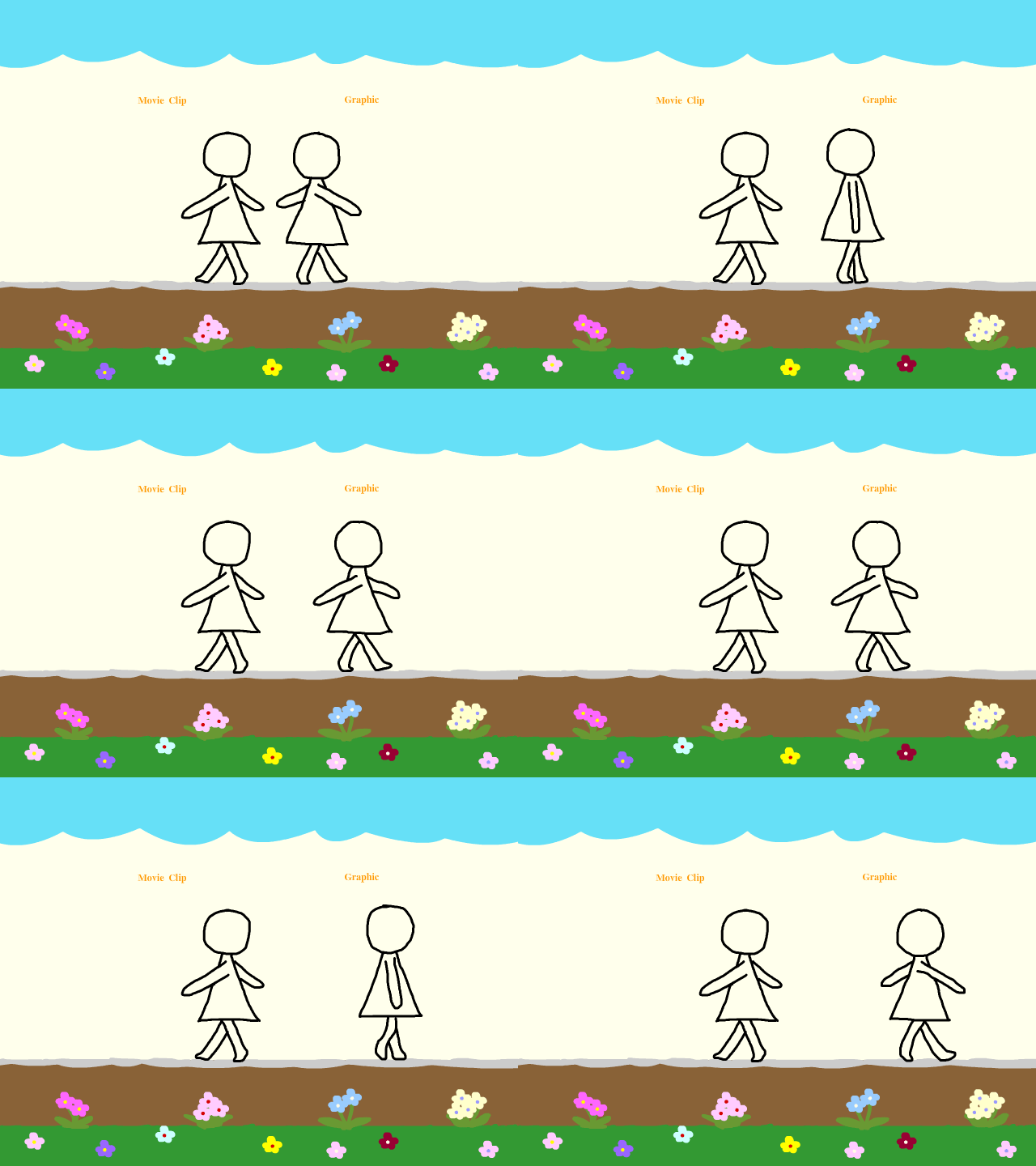
Difference between:
Movie Clip Symbol
and
Graphic Symbol
Movie clip symbol:
-
has its own timeline - it doesn't move along with the timeline as we scrub.
-
can only see the animation using the "test" mode.
-
can be given an instance name.
-
controlled by code.
Graphic symbol :
-
moves along with the timeline as we scrub.
-
can't be given an instance name.
-
not controlled by code.
-
can be controlled by the looping option.
Exercise 5

Exercise 5
Bouncing Ball
Exercise 6
Exercise 6
Basic Walk Cycle
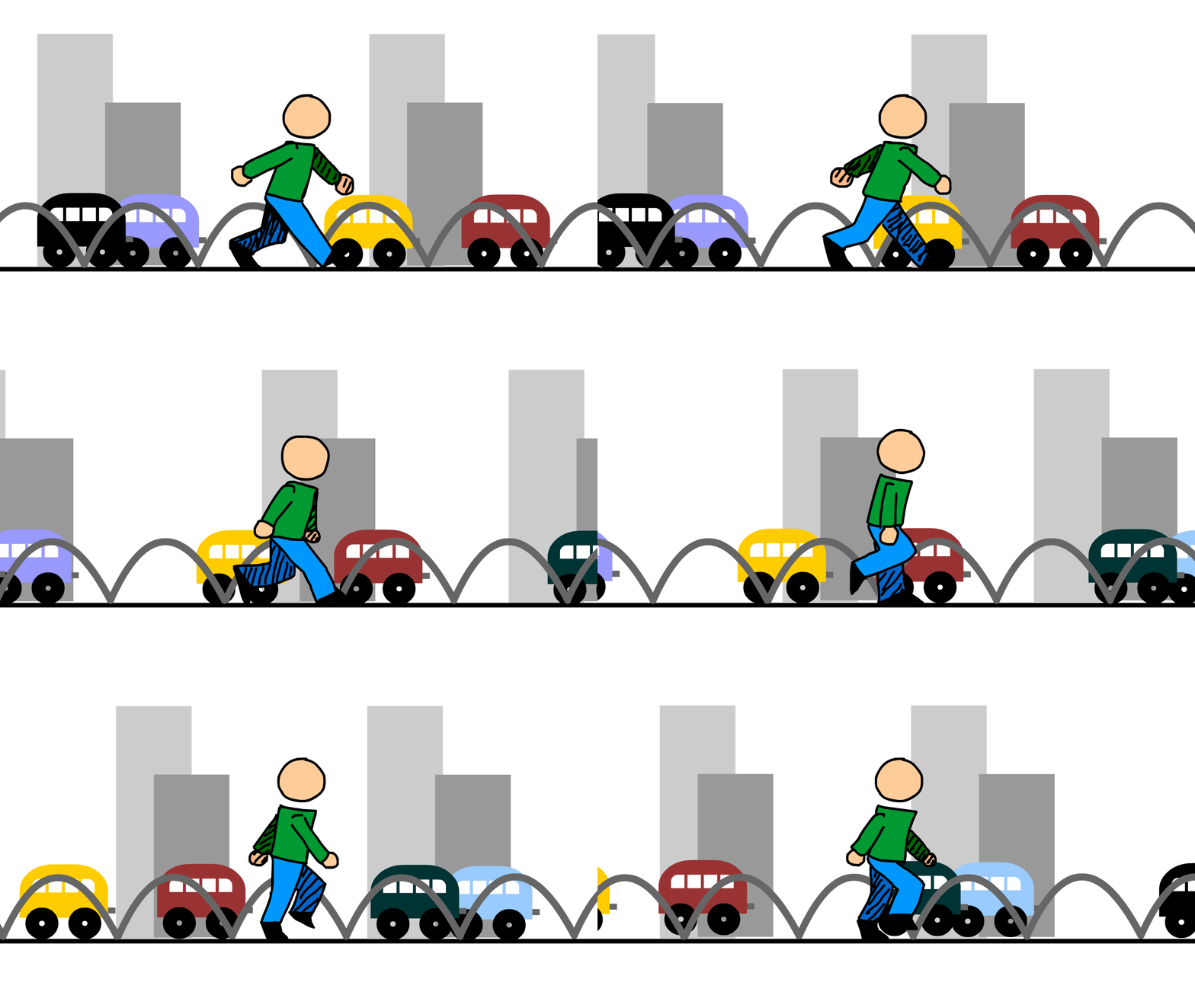
Exercise 7

Exercise 7
Warping
Exercise 8
Exercise 8
Asset Warping Bitmaps

Exercise 9
Exercise 9
Auto Lip-Syncing
bottom of page